ChatGPT Prompt to Turn Class Notes into Easy Revision Notes
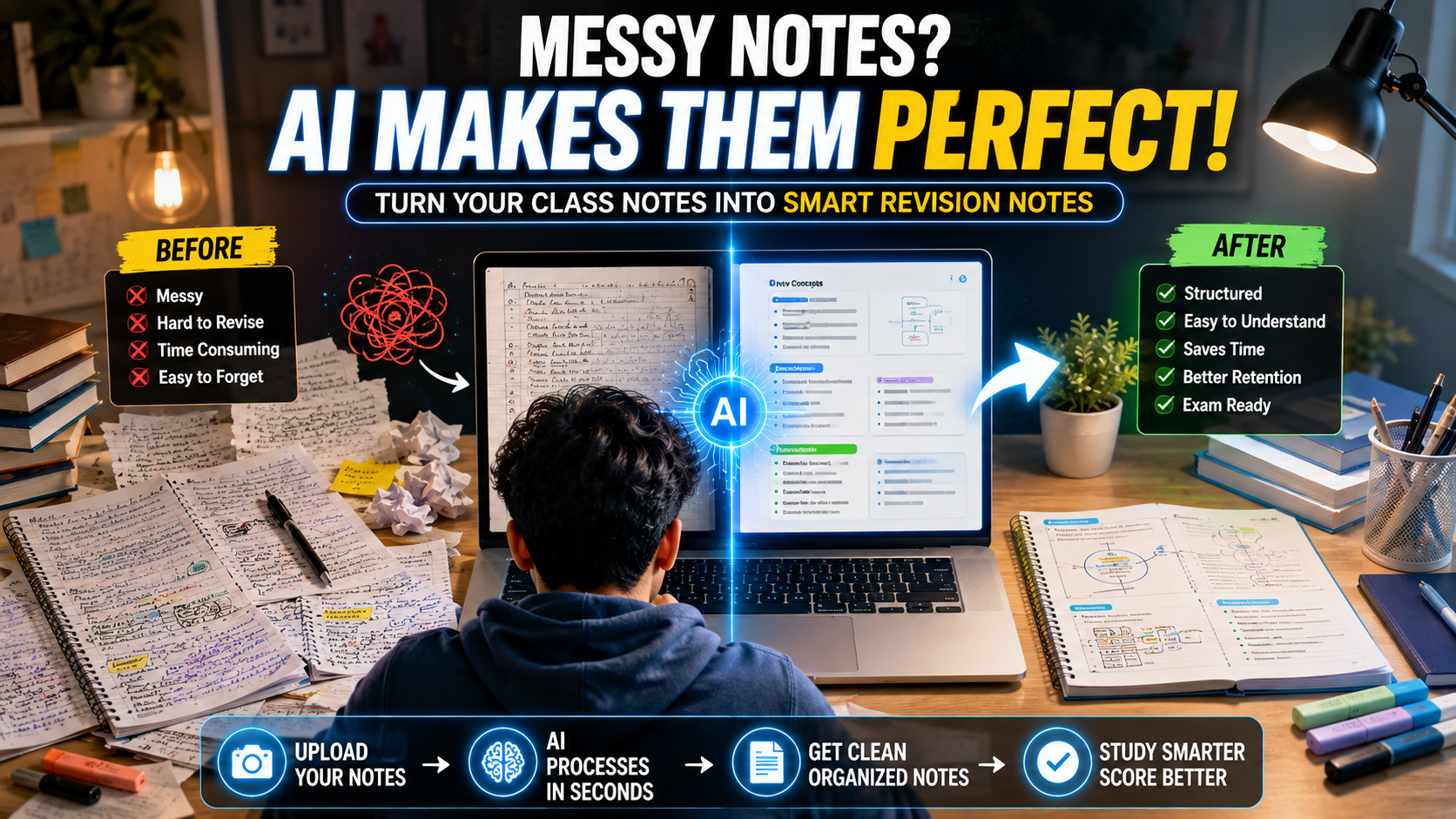
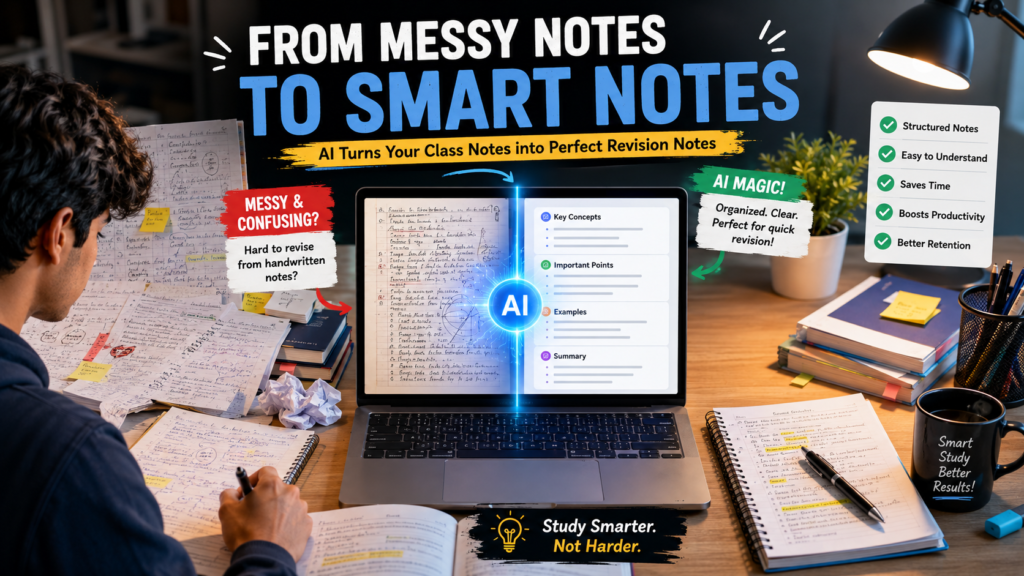
Studying from long and messy class notes can be difficult, especially when exams are getting closer. Important definitions, explanations, examples, and key points are often scattered across several pages. Instead of spending hours rewriting everything manually, students can use ChatGPT to turn their class notes into simple and organized revision notes.
The best part is that you don’t need to ask ChatGPT complicated questions. A well-written prompt can tell it exactly how to transform your notes while keeping the important information intact.
In this guide, you’ll find a ready-to-use ChatGPT prompt that can help turn detailed class notes into clear, concise, and exam-friendly revision material. ChatGPT Prompt to Turn Class Notes
Why Turn Class Notes into Revision Notes?
Class notes are usually written quickly during lectures. Because of this, they may contain incomplete sentences, repeated information, or explanations that are difficult to understand later.
Revision notes have a different purpose. They should help you quickly remember the most important concepts before a test or exam.
Good revision notes can include:
Simple explanations
Important definitions
Key concepts
Formulas and rules
Examples
Important keywords
Short summaries
Possible exam points
ChatGPT can help organize these elements into a format that is easier to read and revise.
You can copy and paste the following prompt into ChatGPT:
✨ Prompt
Prompt: “I am going to provide my class notes below. Turn them into clear, simple, and exam-friendly revision notes. Keep all important concepts, definitions, formulas, examples, and key facts. Remove unnecessary repetition and make difficult explanations easier to understand without changing their meaning.
Organize the notes using clear headings and subheadings. Use short paragraphs and bullet points where appropriate. Highlight important terms and definitions. If there are processes or steps, present them in a logical order.
At the end, create a quick revision summary containing the most important points I should remember before an exam. Also add 5 likely exam questions based only on the information provided in my notes.
Do not add information that is not present in my notes unless I specifically ask you to explain something.
This prompt works well because it gives ChatGPT clear instructions about what to keep, what to simplify, and how to organize the final notes.
How to Use the Prompt
Using the prompt is simple. First, copy your class notes from your notebook, document, or study material. Then paste them into ChatGPT after the prompt.
If your notes are very long, don’t worry. You can send them in smaller sections. For example, you can provide one chapter at a time.
After ChatGPT creates the revision notes, read through them once and compare them with your original notes. This is especially important for subjects where exact definitions, formulas, dates, or technical terms matter.
You can also ask ChatGPT to make the notes even shorter if you are preparing for a last-minute revision session.
For example, you can use:
✨ Prompt
“Now turn these revision notes into a one-page quick revision sheet. Keep only the most important concepts, definitions, formulas, and exam points.”
Sometimes class notes contain concepts that are difficult to understand. In that situation, you can use another simple follow-up prompt:
✨ Prompt
“Explain the difficult concepts in these notes using simple language and easy examples. Assume I am a beginner. Keep the explanation accurate and don’t remove important technical terms.”
This allows you to create multiple study resources from the same class notes.
Use ChatGPT for Last-Minute Revision
When an exam is approaching, students often don’t have enough time to read an entire chapter again. That’s where concise revision notes can be helpful.
After generating your notes, ask ChatGPT:
✨ Prompt
“Create a 10-minute revision version of these notes. Include only the highest-priority concepts, definitions, formulas, and facts that I should review first.”
You can then use this short version for a quick review before studying the chapter in more detail.
Important Tip: Don’t Blindly Trust the Summary ChatGPT Prompt to Turn Class Notes
Although ChatGPT can be useful for organizing and simplifying notes, you should always check the generated content against your original class material.
This is especially important when studying for exams because an AI-generated summary can accidentally leave out a detail or misunderstand unclear notes.
Use ChatGPT as a study assistant, not as a replacement for your textbook, teacher, or official course material.
Final Thoughts
Turning lengthy class notes into easy revision notes doesn’t have to take hours. With the right ChatGPT prompt, you can organize your material, simplify complicated explanations, identify important points, and create a quick revision summary.
The key is to give ChatGPT clear instructions and provide accurate source material. You can then customize the result by asking for flashcards, question-and-answer notes, a one-page revision sheet, or simple explanations.
If you’re a student who regularly struggles with long class notes, save the prompt above. It can become a useful part of your study routine and help you spend less time organizing notes and more time actually understanding what you’re learning.