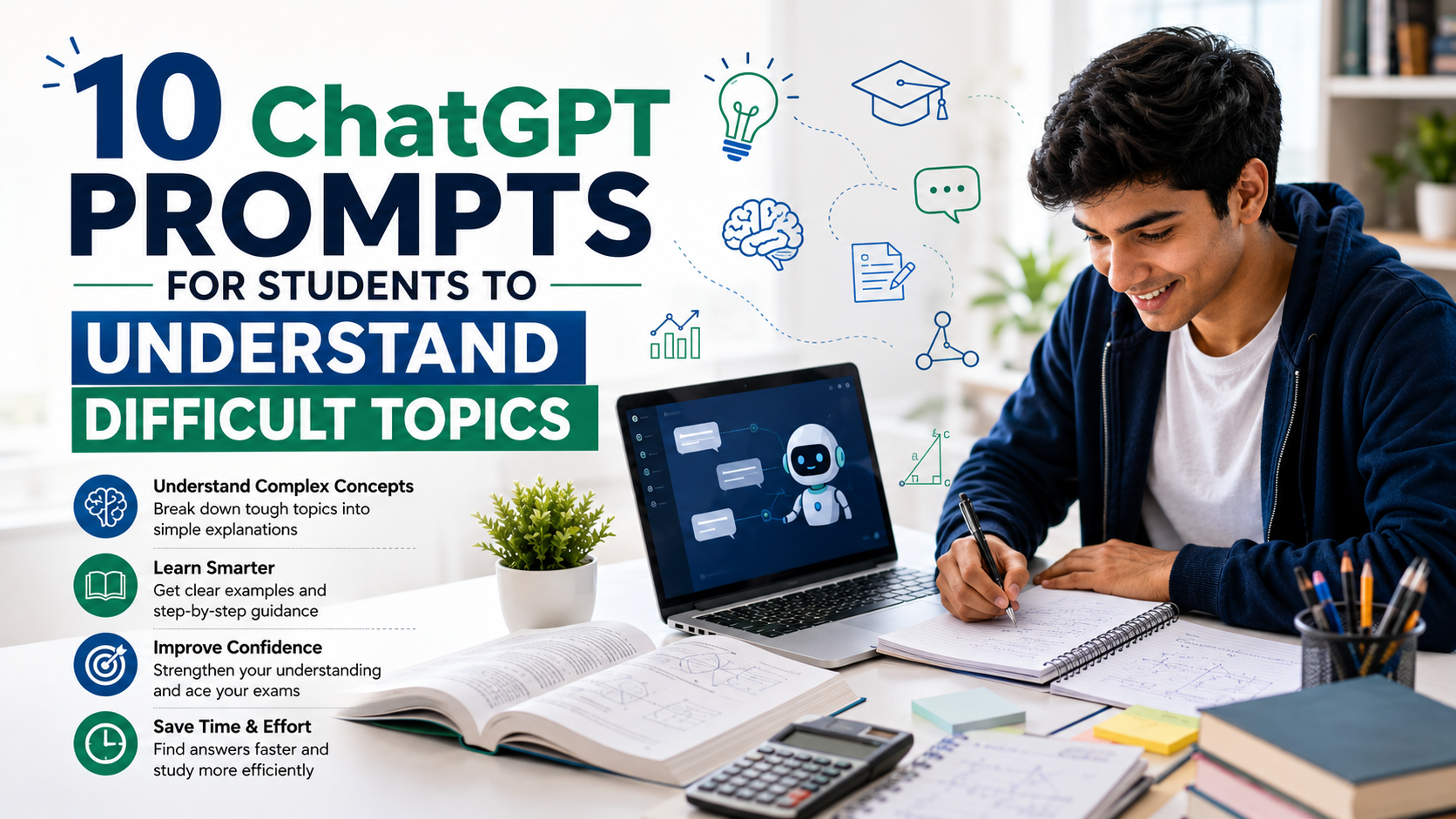
10 ChatGPT Prompts for Students to Understand Difficult Topics
Students often come across difficult topics that seem confusing even after reading textbooks, watching lectures, or taking notes. Sometimes the problem is not the subject itself but the way the concept is explained. This is where ChatGPT can become a useful study companion.
With the right prompts, students can ask ChatGPT to explain complicated concepts in simple language, provide examples, create comparisons, identify mistakes, and even test their understanding. Instead of simply asking, “Explain this topic,” students can use specific prompts that tell ChatGPT exactly how they want to learn.
In this article, we’ll look at 10 ChatGPT prompts for students to understand difficult topics more easily and effectively.
Why Use ChatGPT Prompts for Learning?
A good prompt can make a big difference in the quality of an explanation. Students have different learning needs. One student may prefer simple examples, while another may understand better through step-by-step explanations or practical situations.
ChatGPT can adapt an explanation based on the instructions provided in the prompt. You can ask it to explain a topic for a beginner, compare two concepts, create examples, or quiz you after teaching the concept..
The key is to use prompts that focus on understanding rather than simply getting an answer.
- Prompt 1: Explain a Difficult Topic in Simple Language
This is one of the most useful prompts for beginners.
Prompt:
- Prompt 2: Explain the Topic Step by Step
Some subjects become easier when they are divided into smaller steps.
Prompt:
Teach me [TOPIC] step by step. Start with the basic idea, then gradually move to more advanced concepts. Explain each step clearly before moving to the next one. Include a simple example and briefly summarize each step.
This is especially helpful for subjects such as mathematics, programming, science, economics, and computer science.
Instead of trying to understand the entire topic at once, students can learn it piece by piece.
Prompt 3: Explain with a Real-Life Example
Real-world examples can make abstract concepts much easier to understand.
Explain [TOPIC] using a practical real-life example. First explain the basic concept, then show how it works in the real world. Keep the example simple and suitable for a student.
For example, if you are learning “cloud computing,” ChatGPT can explain it using everyday examples of storing photos or files online.
This type of prompt helps connect classroom concepts with situations students already understand.
Prompt 4: Explain Like a Teacher
Sometimes students want a complete classroom-style explanation rather than a short definition.
Prompt:
Act as a patient teacher and teach me [TOPIC]. Assume I know very little about it. Explain the concept clearly, use simple examples, point out important terms, and ask me short questions during the explanation to check whether I understand.
This prompt makes the learning process more interactive.
Students can also tell ChatGPT their education level, such as school, college, or beginner level, so the explanation can be adjusted accordingly.
Prompt 5: Compare Two Difficult Concepts
Some topics are difficult because two similar concepts are easy to confuse
Prompt:
Explain the difference between [CONCEPT A] and [CONCEPT B] in simple language. Compare their meaning, purpose, features, advantages, and examples. Then give me an easy way to remember the difference.
For example, students can compare RAM vs ROM, HTTP vs HTTPS, compiler vs interpreter, or mitosis vs meiosis.
A comparison can make similarities and differences much clearer.
Prompt 6: Find the Parts I May Be Confusing
Sometimes students know the basic concept but keep making the same mistakes.
Prompt:
I am learning [TOPIC]. Identify the most common points students usually misunderstand about this topic. Explain each misunderstanding clearly and show the correct concept with a simple example.
This is a useful prompt before an exam because it helps students focus on areas where confusion is likely.
It can also help reveal gaps in understanding that may not be obvious while studying alone.
Prompt 7: Turn a Difficult Topic into a Story
Stories can make complicated information easier to remember.
Prompt:
Explain [TOPIC] as a short, easy-to-understand story. Use characters, situations, or everyday objects to represent the important concepts. After the story, explain how each part of the story connects to the actual topic.
For example, a networking concept could be explained using a story about sending letters between houses, while a programming concept could be represented through a simple everyday process.
The goal is not just entertainment—it is to create memorable mental connections.
Prompt 8: Give Me a Visual-Style Explanation
Even without creating an actual image, ChatGPT can organize information in a way that feels more visual.
Prompt:
Explain [TOPIC] using a simple text-based diagram, flowchart, or structured layout. Start with the main concept and show how the smaller concepts are connected. Explain the diagram after creating it.
This can be particularly useful for processes, systems, programming concepts, biology, and technical subjects.
Students can also ask for a table, timeline, flowchart, or mind-map-style structure depending on the topic.
Prompt 9: Teach Me and Then Quiz Me
One of the best ways to check whether you actually understand something is to test yourself.
Prompt:
Teach me [TOPIC] in simple language first. After the explanation, give me 5 questions starting from easy and gradually becoming more difficult. Ask one question at a time and wait for my answer. After each answer, tell me whether I am correct and explain my mistake if necessary.
This turns ChatGPT into an interactive study partner.
It is especially useful for revision because students cannot always tell whether they genuinely understand a concept just by reading it.
Prompt 10: Explain It at Different Levels
A concept can be understood better when you see the same idea explained in multiple ways.
Prompt:
Explain [TOPIC] at three levels: first for a complete beginner, second for a college student, and third at an advanced level. Clearly show how the explanation becomes more detailed at each level. End with the key points I should remember for an exam.
This prompt is useful when students need both a basic understanding and deeper knowledge.
It can also help students prepare for exams where questions may range from simple definitions to detailed explanations.
How to Get Better Results from ChatGPT

The quality of the response often depends on how specific your prompt is. Instead of simply writing “Explain artificial intelligence,” provide additional instructions.
For example, you can tell ChatGPT your education level, preferred language, topic difficulty, desired explanation length, and learning goal.
You can also add instructions such as:
Use simple English and avoid unnecessary technical words.
Or:
Explain this in Hindi with English technical terms and give practical examples.
Another useful approach is to continue the conversation. If you do not understand the first explanation, ask ChatGPT to explain the same concept in another way rather than simply moving to another topic.
Final Thoughts
ChatGPT can be a powerful learning assistant when students use it correctly. The goal should not be to use AI simply to get homework answers. Instead, students can use well-written prompts to understand concepts, identify confusion, practice questions, and revise difficult topics.
The 10 prompts above can help turn a confusing subject into a more manageable learning experience. Whether you are studying mathematics, science, programming, business, or any other subject, the right prompt can help you get an explanation that matches your learning style.
Remember, ChatGPT should support your learning—not replace your textbooks, teachers, class notes, or your own thinking. Always verify important academic information and use AI as a tool to improve your understanding.
With the right questions and prompts, even a difficult topic can become much easier to learn.